Email tile name

dfaris

New member
Nov 26, 2012
185
0
0
Does anyone know how to charge the name that shows up on the email tile? My email tile
Says yahoo email but now that our emails are combined I don't want it to say yahoo email.
I just want it to say Email but can't figure out where to change the name?

 
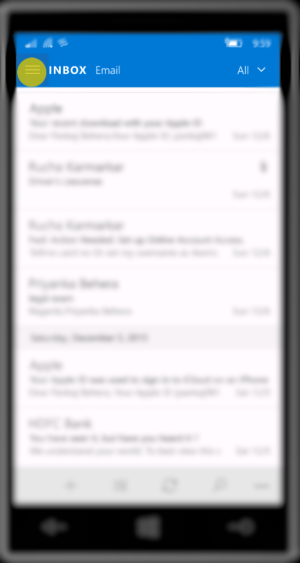
1) Open Outlook Mail

1.PNG


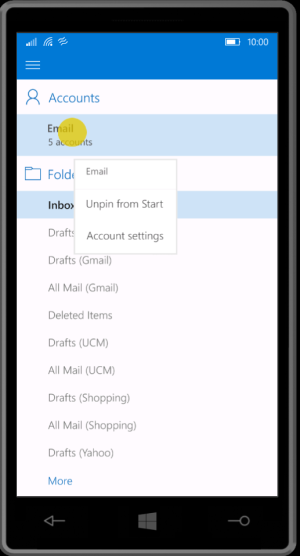
2) Click on the combined email Inbox and select Account Settings

2.PNG


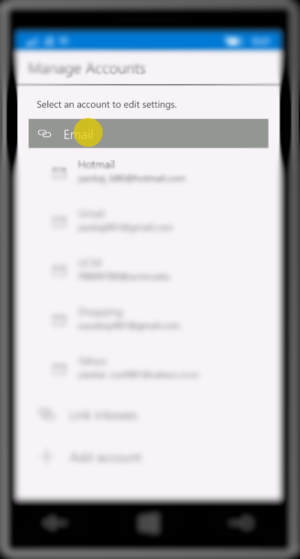
3) Click on the combined Email to edit

3.PNG


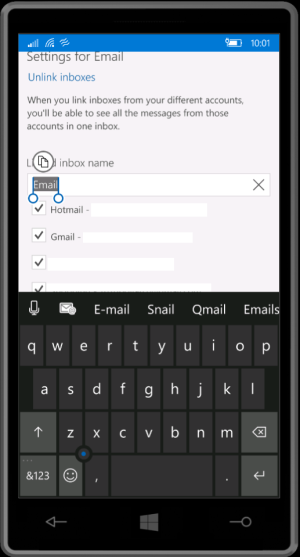
4) Rename as needed and as shown in 2) Pin to Start


4.PNG
 

Trending Posts

Forum statistics

Threads
342,484
Messages
2,265,566
Members
428,871
Latest member
breadcat