Windows 10 Build 9860

jordanzhninja

New member
May 4, 2014
177
0
0
Windows 10 is so amazing for me, as it is finally the true replacement for Windows 7 in my eyes. I've been using the 9841 build since the first day, and now 9860 is out, I've made a quick video tour for everyone

https://www.youtube.com/watch?v=AsYk_COdo34

Each time a build comes out I'm going to do a video tour and then a follow up video outlining bugs. If you have any feedback or suggestions for my video series I would be greatful

p.s. My in development game is hidden in the thumbnail

Build 9860 bug video:
https://www.youtube.com/watch?v=H0VCLKJauzM

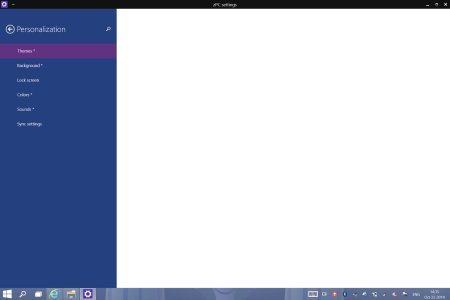
Credit to Expression2 for zPC settings discovery
 
Last edited:
Screenshot (1).jpgScreenshot (2).jpg
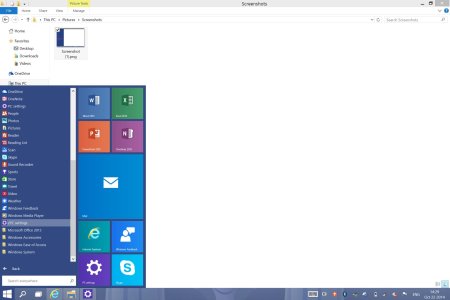
I found this while scrolling in the Start Menu. There is also this DockingController in the Start Menu. It is a metro app, but crashes on launch. Any ideas?
 
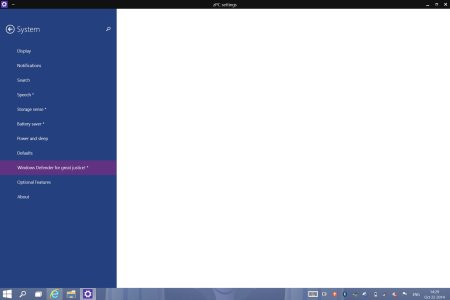
I also noticed under the normal PC settings there is now an option to back up app settings which was turned off.
Onedrive> Sync Settings
 
I am trying to update to build 9860 but when I click on download now button , the button greys out and a circling animation is displayed but there is no status bar to show how much has been downloaded. When I check in the task bar under the network section 0.0 mb is displayed in pc settings . How am really confused whether it is downloading or not . Please someone give me some idea . I am using VMware virtual machine .
 
I am trying to update to build 9860 but when I click on download now button , the button greys out and a circling animation is displayed but there is no status bar to show how much has been downloaded. When I check in the task bar under the network section 0.0 mb is displayed in pc settings . How am really confused whether it is downloading or not . Please someone give me some idea . I am using VMware virtual machine .

Its downloading. Don't check under PC Settings. There should be another one, I think something along the lines of System.
 
in 9860 build i m getting pop up notification in top right corner
instead of bottom right
anyone how to change it back?
 

Trending Posts

Forum statistics

Threads
343,151
Messages
2,266,234
Members
428,898
Latest member
abcdzoony