Add songs to Playlist

Zolotoy

New member
Dec 2, 2012
461
0
0
I have created a new playlist. How can I add songs to this list from my computer?

Thanks
 
Just drag and drop your music from the computer to the music folder on your phone (or SD card) in Windows Explorer (File Explorer). Then, once they're on your phone, you can long press a song and "add to playlist".
 
Last edited:
I copied songs to music. Where do long press on them to add to a playlist?

In the Xbox music app on your phone. You can sort by Artist, album, songs. Go through and find the songs you want, long press and "add to.."
 
I see only thee songs there of 100+ copied.

Edit: Nevermind the SD card bit, I just realized you have the 920 which does not have one lol

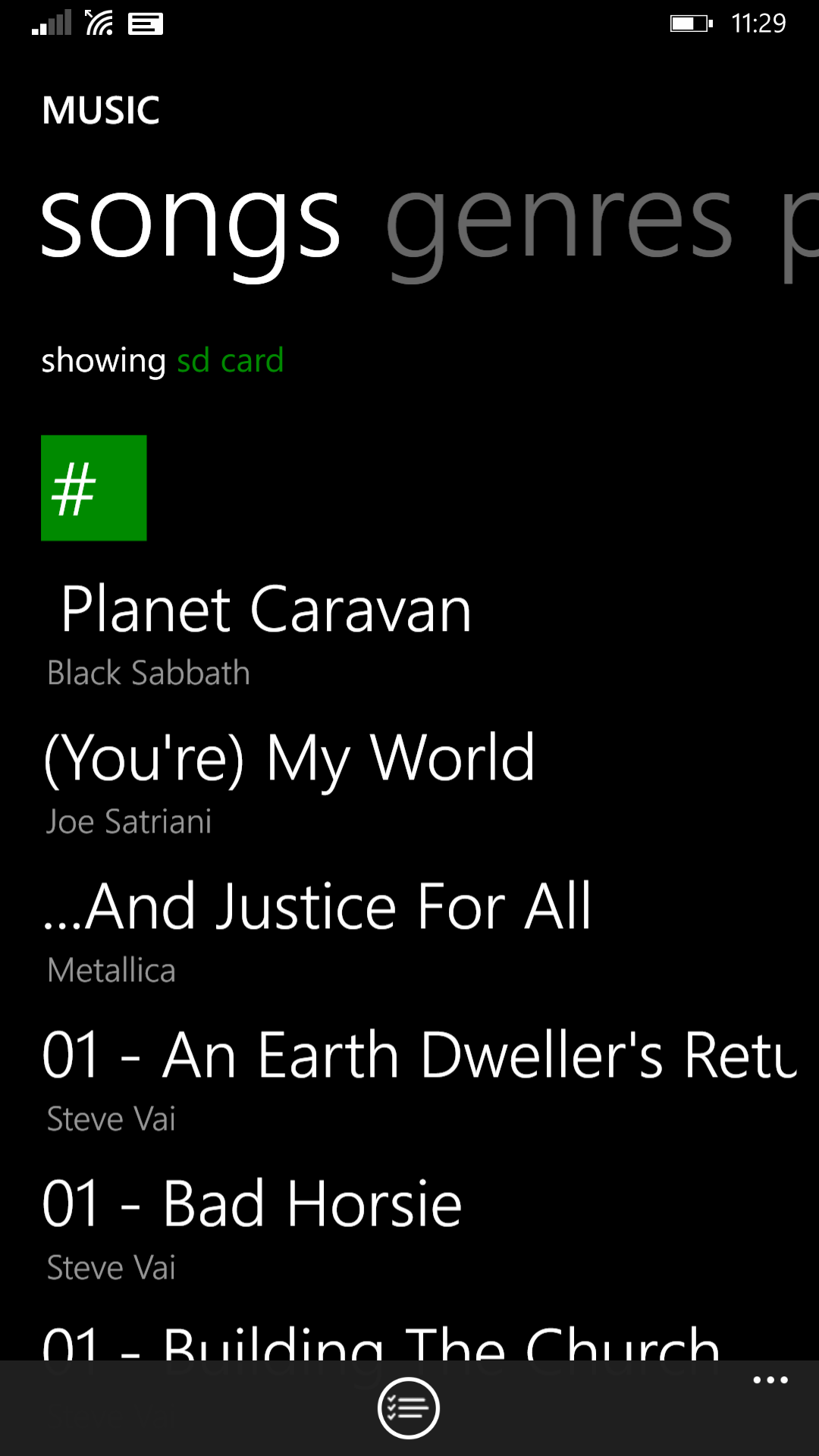
In the Xbox music app, where it reads "showing SD card" (in green in my screenshot) tap that to select SD card, phone, streaming, or all music. If you copied the music files to the music folder on your phone or SD card, they will show up here. It may take a minute for the app to sync the files and add them to the list (try exiting the app and restarting it)

wp_ss_20150109_0002.png
 
Make sure you copied the mp3 files to the music folder on your phone.

Restart the phone if it's still not picking up the songs. (hold down power and volume down together for about 10 seconds until it vibrates) and check again.
 
No. I can see new songs in Files/Music, as well as in Music using PC. But when I go to XBox/Songs I only see a few. I have restarted the phone a couple of times.
 

Trending Posts

Forum statistics

Threads
342,390
Messages
2,265,471
Members
428,866
Latest member
Android_Creator