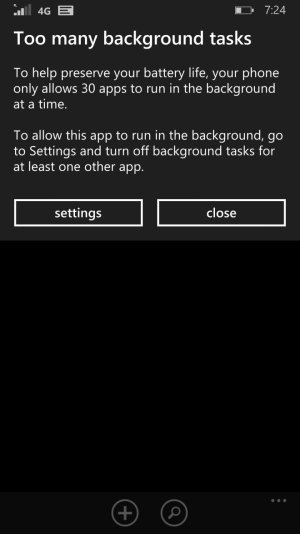
This is not Windows that are open, this is installed app that have permissions to perform functions in the background (ie a news app that can pre-download news content at regular intervals so its ready when you open the app). Open the Battery Saver and check the list with the option "Show apps that can run in the background" - there may be plenty of apps (well, more than 30 in your case) that are allowed to run in the background that you don't expect/want - in which case you can disable them (and likely vastly improve your battery life).




 Windows 10 Themes no longer working...
 Facebook
 Twitter
 Instagram