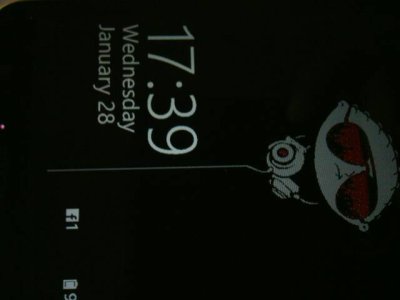
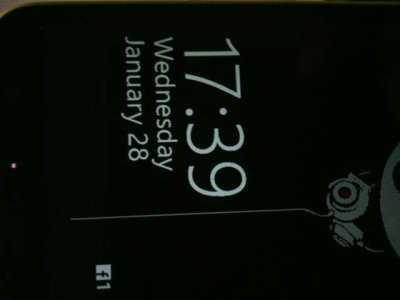
Lol.. What is this??

akshaypn

New member
Oct 11, 2013
351
0
0
My Glance Screen is upside down.. How can I rotate this?

Posted via the Windows Phone Central App for Android
 

Attachments

  • 55005.jpg
    55005.jpg
    14.2 KB · Views: 68
  • 55004.jpg
    55004.jpg
    15 KB · Views: 68
This is a known bug and it happens when using the remote desktop app in a certain orientation, maybe even with other apps, not sure. To solve it, you can do one of two things:

1) Soft reset
2) launch remote desktop app and connect to any computer. Now tilt your phone to landscape. I think the right way is by having the soft touch buttons on the left. Now rotate it back to portrait mode and close the app.
 
I think it's VLC beta, cause that's what I was running in landscape mode... I didn't know about this bug,encountered it first time.. As usual ll do a soft reset.. I found it funny and amusing though.. Lol.. Thank you..

Posted via the Windows Phone Central App for Android
 

Trending Posts

Forum statistics

Threads
342,399
Messages
2,265,480
Members
428,869
Latest member
Charis Cheng