
- Jun 14, 2013
- 114
- 0
- 0
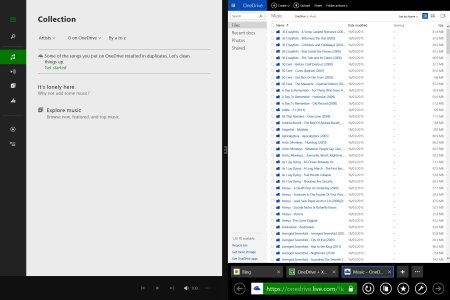
I am running Win 7. When I look at OneDrive in File Explorer I do not see the Music Folder. When I look at OneDrive Online I see the music folder. If I copy a folder from file explorer on my PC to the Music folder on OneDrive web I get the error "sorry, can't copy folders or empty files"
So how do I get all my music carefully arranged in folders by artist -> album -> Track into the OneDrive music folder without going into each folder on my PC and copying the individual tracks. I must be missing something.
So how do I get all my music carefully arranged in folders by artist -> album -> Track into the OneDrive music folder without going into each folder on my PC and copying the individual tracks. I must be missing something.





 Facebook
 Twitter
 Instagram