
To be Hard reset or not to be?
- Thread starter wprocks
- Start date
You are using an out of date browser. It may not display this or other websites correctly.
You should upgrade or use an alternative browser.
You should upgrade or use an alternative browser.


Athull
New member
- Aug 25, 2013
- 786
- 0
- 0
I think its best to do it after since the backup in wp8.1is much improved than wp8.Before we get developer preview is it a good idea to hard reset or not?
Sent from my Lumia 1520 using Tapatalk

KrisJoeEll
New member
- Aug 11, 2013
- 570
- 0
- 0
Do a hard reset after the update.
It will correct any glitches occurred to the OS during/after the update and 8.1 provides more backup options than 8.0.
It will correct any glitches occurred to the OS during/after the update and 8.1 provides more backup options than 8.0.

MrGoodSmith
Member
- Nov 13, 2012
- 261
- 0
- 16
Wait a minute. When you hard reset a phone, doesn't it reinstall the firmware/OS from the ROM? And when you update to WP8.1, does the update flash the ROM with the new OS? If the answer to the first question is YES and the 2nd question is NO, then doing a hard reset would revert your phone back to WP8.
I hope someone can confirm what happens exactly when you hard reset a phone and how wp8.1 is updated on our devices.
I hope someone can confirm what happens exactly when you hard reset a phone and how wp8.1 is updated on our devices.
anon(8555314)
New member
- Feb 20, 2014
- 396
- 0
- 0


Faraaz96
New member
- Dec 25, 2013
- 136
- 0
- 0
Before we get developer preview is it a good idea to hard reset or not?
Sent from my Lumia 1520 using Tapatalk
If you don't want any of your app data go for a hard reset

anon(5348756)
New member
- Sep 28, 2012
- 159
- 0
- 0
I would assume so. I always factory reset after updates. GDR2 and GDR3 I factory reset after updating.
No you don't, you reset the phone, that's all. If you were to reset to factory state, then you'd end up going back to WP8 as it was released in 2012 and you'd have to do all the updates all over again. Factory reset isn't something that's supported (it can be done, but not officially unless your carrier does it or you take the shady XDA type paths).
Resetting the phone after a big update can be helpful since, as others pointed out, you clear out all the garbage that WP8 and/or the update process might have collected. Your ROM will be updated to a WP8.1 image, so that's where the device will be restored from: a clean 8.1 install. Considering 8.1 will have pretty good restore options for all your start screen and such, it would seem like a good idea to update and then do a hard reset. I'd wait a couple days for good measure though, it's a new update and nobody knows how long the phone will take to sync all your settings and home screen to the cloud - most likely a few minutes, but better safe waiting 1/2 days than sorry, right? I plan to do this specifically to sort out all my Xbox music problems: since we're changing from the Music/Videos hub where I STILL cannot sync my playlists from Windows 8.1's Xbox Music app, I'm hoping after the update this will work, but I've tried so many times under WP8 that god knows how "dirty" those files are... I'd rather do a reset and have everything cleanly installed, then add all my music all over again. Fingers crossed I'll finally get my playlists on my phone without a) having to manually enter them on the phone or b) paying for an xbox music subscription!

Pranshul Sood
New member
- Jan 16, 2014
- 399
- 0
- 0
I recommend u not to reset.
As u know with wordflow keyboard coming to wp 8.1, it will be a hard time for you to write in ur language in English script. For eg, myfone has stored the few often used words as i type in hinglish. If hinglish or your native language is an option in the update, then there is no harm in resetting
As u know with wordflow keyboard coming to wp 8.1, it will be a hard time for you to write in ur language in English script. For eg, myfone has stored the few often used words as i type in hinglish. If hinglish or your native language is an option in the update, then there is no harm in resetting
anon(5348756)
New member
- Sep 28, 2012
- 159
- 0
- 0
To be fair, you can always re-add those specific words not in the dictionary as you type texts in the following days, it wouldn't take long until you've added them all back I would assume? Depends on how many they are I guess.


WanderingTraveler
New member
- Dec 23, 2012
- 4,974
- 0
- 0
I don't think so. It seems a bit overkill, especially because the keyboard is much better now.Do you guys think even keyboard stored words will be synced to OneDrive?

Guytronic
Ambassador Team Leader
- Nov 4, 2013
- 8,431
- 0
- 0
To be Hard reset or not to be?
I wouldn't do a hard reset.
Unless there's some kind of disaster caused by the overwrite.
A softboot should be plenty.

herbertsnow
Banned
- Dec 10, 2013
- 417
- 0
- 0
A hard reset is good, but I'm too lazy to setup all my apps again. Does the backup restore all your app settings? If it doesn't, I won't be doing it.



kenzibit
Member
- Jan 10, 2012
- 575
- 0
- 16
I wouldn't do a hard reset.
Unless there's some kind of disaster caused by the overwrite.
A softboot should be plenty.
Excellent, that's the principle I follow. No disaster...no hard reset but once in a while, like after mg 8.1 update, I soft reset.

Ed Boland
Retired Ambassador
- Nov 17, 2012
- 4,706
- 5
- 38
I did a hard reset after installing the 8.1DP to clear my "other storage" which was approaching 7GB. As long as you do a backup beforehand, (and backup your camera roll to Onedrive) you'll have nothing to worry about. The hard reset will also, as mentioned above, clear out any garbage/junk files left by the update and give you a fresh clean install of 8.1DP.
Ed Boland
Retired Ambassador
- Nov 17, 2012
- 4,706
- 5
- 38
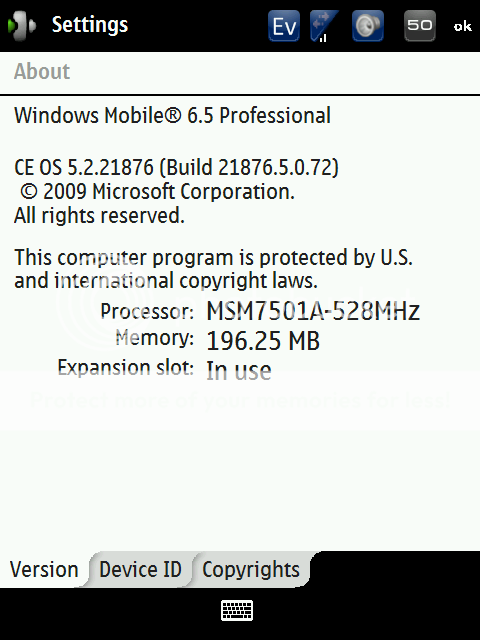
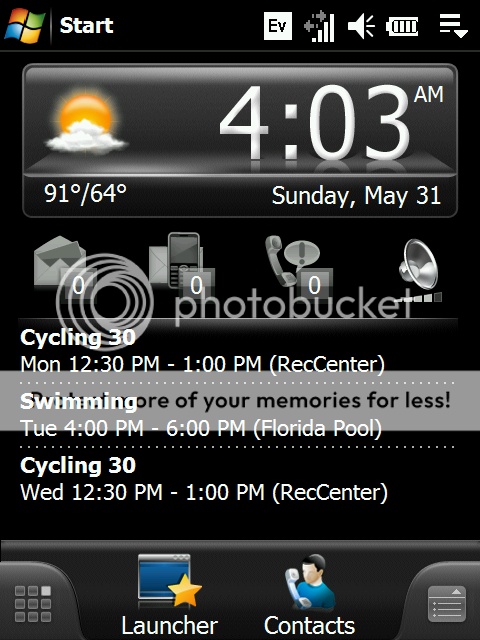
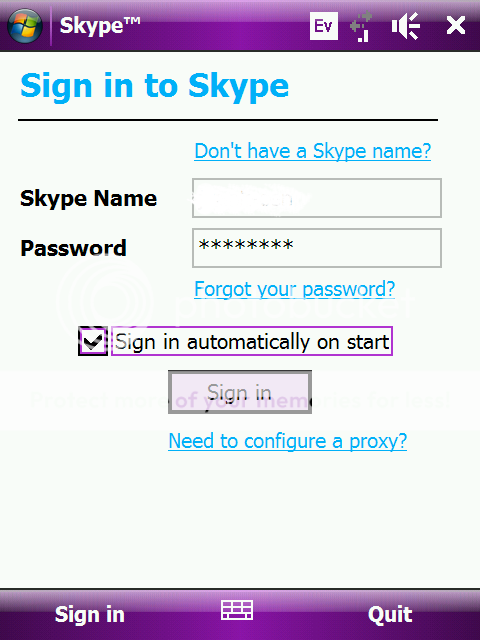
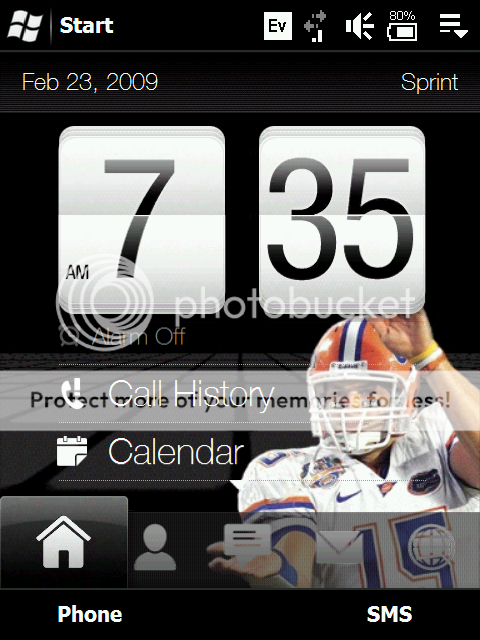
Blast from the past!I used to hard reset.
Back when I was playing around with WM6 and WM6.5 ROMs.
Haven't hard reset since WP7.
I remember those days!
http://img.photobucket.com/albums/v124/Nimdock/HTC/Screen01-2.png
http://img.photobucket.com/albums/v124/Nimdock/HTC/Screen01-1.png
http://img.photobucket.com/albums/v124/Nimdock/HTC/skp_login.png
http://img.photobucket.com/albums/v124/Nimdock/HTC/batt80p01.png
Similar threads

- Replies
- 4
- Views
- 9K

- Replies
- 4
- Views
- 1K


- Replies
- 0
- Views
- 1K
- Question
- Replies
- 1
- Views
- 7K
Trending Posts
-

-
 Epic Store free game. "Jurassic World Evolution 2"
- Started by LightenSkies
- Replies: 1
-

Forum statistics

Space.com is part of Future plc, an international media group and leading digital publisher. Visit our corporate site.
© Future Publishing Limited Quay House, The Ambury, Bath BA1 1UA. All rights reserved. England and Wales company registration number 2008885.
 Facebook
 Twitter
 Instagram