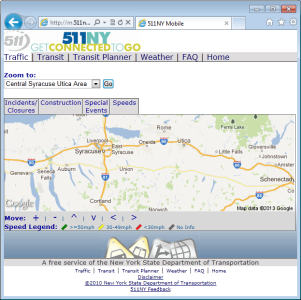
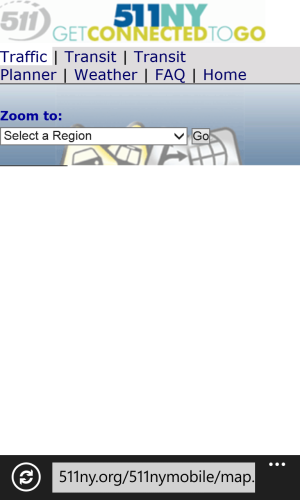
website won't load on phone

stevebacs

New member
Dec 13, 2012
16
0
0
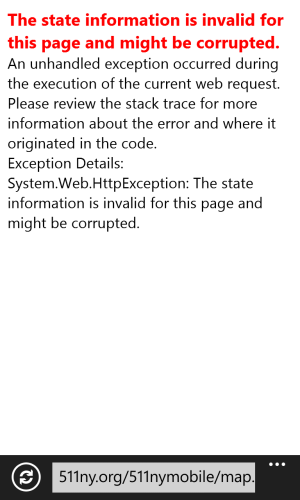
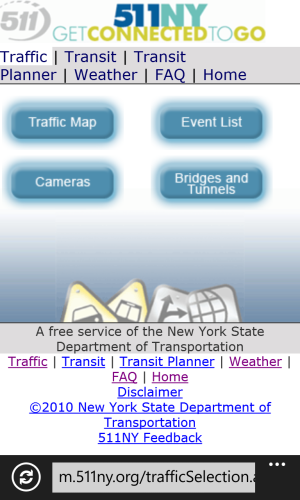
I'm trying to access a 511NY Mobile (m.511ny.org) traffic map on my Lumia 920, but it won't load (see 3rd picture). I tried adjusting the browser settings; disable smart screen filter, disable "do not track" request, accept all cookies, but to no avail. It works fine on my laptop with IE9 browser. Any suggestions?

0001.jpg0002.png0003.png
 
Hmm don't see why there should be a problem. Loads fine on my 8X, try clearing the browsing history in settings. At any rate the stock maps application should also be able to provide the info you're seeking.
 
Works fine on my phone. Url is http://511ny.org/511nymobile

I'm getting the same problem on that URL too, and if I refresh it too many times I get an error:

006.png 005.png


511ny.org is for desktop mode.

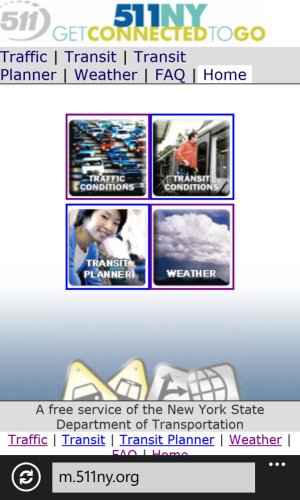
I was using the mobile version of that page (m.511ny.org) as per their FAQ 511NY Mobile

Hmm don't see why there should be a problem. Loads fine on my 8X, try clearing the browsing history in settings. At any rate the stock maps application should also be able to provide the info you're seeking.

I did try clearing the browser history... should have mentioned that. The stock maps app does provide some traffic congestion info, but this site also gives Incidents, Construction, and Special Events.
 
Last edited:
did you try changing to desktop version instead of mobile version in WP8 IE? I just tested this in mobile mode and map didn't load. Reloaded page in desktop mode and it loaded fine.
 
I actually prefer desktop sites to mobile sites. Brings out the capabilities of a smartphone alot better.

UPDATE: Desktop version also loads up fully on my 8X in desktop mode.
 

Forum statistics

Threads
343,583
Messages
2,266,671
Members
428,914
Latest member
Michael Niehaus