Windows Phone 8.1 Screenshots (Translated )

amrut_m

New member
Mar 3, 2013
234
0
0
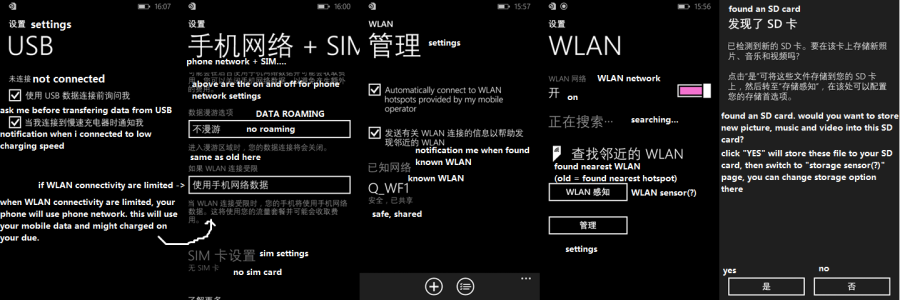
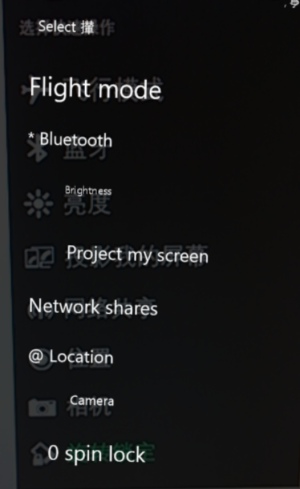
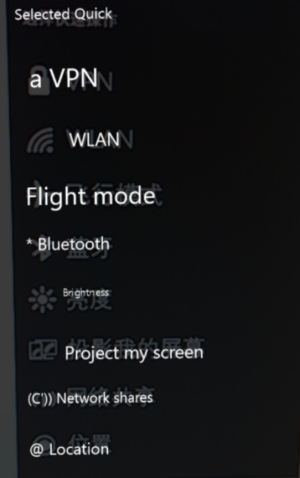
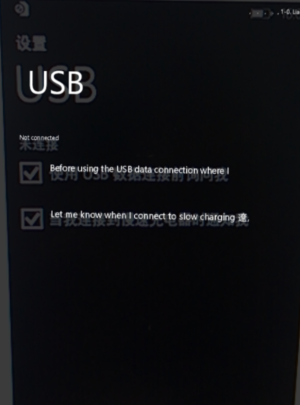
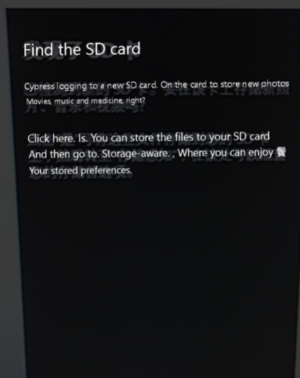
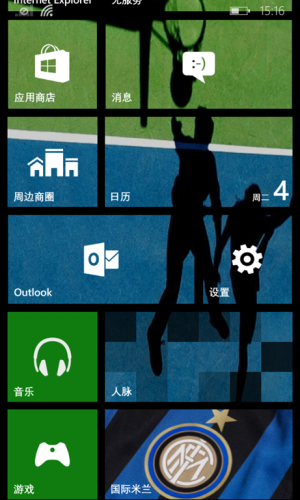
Here are couple of screenshots from Windows Phone 8.1 which were in Chinese and i have translated some of them,
001spb5Wgy6HE1OAvyT4f690.png
001spb5Wgy6HE2IcmCC52690.png
 

Attachments

  • wp_ss_20140328_0001.png
    wp_ss_20140328_0001.png
    301 KB · Views: 39
  • wp_ss_20140328_0002.png
    wp_ss_20140328_0002.png
    310.3 KB · Views: 38
  • wp_ss_20140328_0003.png
    wp_ss_20140328_0003.png
    421.8 KB · Views: 37
  • wp_ss_20140328_0005.png
    wp_ss_20140328_0005.png
    349.1 KB · Views: 39
  • wp_ss_20140328_0006.png
    wp_ss_20140328_0006.png
    268.1 KB · Views: 36
  • wp_ss_20140328_0007.png
    wp_ss_20140328_0007.png
    348.6 KB · Views: 35
I tried that with my 2 - 8Xs, but it was dark, and well, you have that 40mp camera.
 
Just translated using Bing Translator on my 1020 :cool:

...and it shows! Thanks to WP 8.1 now my phone will be able to log in to cypresses and choose my own customized Hui B! I always wanted to change that damn Hui B... :confused:
 
Thats the source my friend,
Just translated using Bing Translator on my 1020 :cool:

u mean u can translate these using ur camera and searching it through bing translator...?
i never knew any phone or bing translator can do this.
where am i?
 
u mean u can translate these using ur camera and searching it through bing translator...?
i never knew any phone or bing translator can do this.
where am i?


Tap on the search button, next tap the 'eye' icon and tap scan text and then you can translate words into your language


Sent from my Nokia Lumia 620 using Tapatalk
 
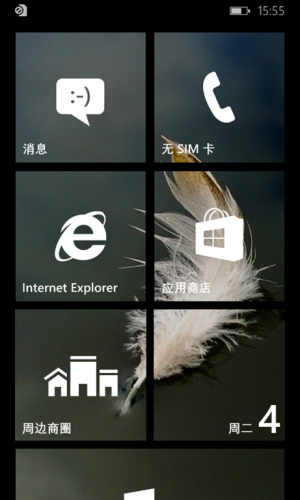
Icons (in settings) ??? live tiles with backgrounds??? WTF

Microsoft is killing the metro

Icons in settings are much needed, because I always search forever for a specific setting. Settings are horribly organized on WP.
You also don't have to use background on tiles, you can stick to 'teal' or other color of your preference. It's not killing it, it's refreshing it. If you don't like it, use windows mobile 6.5 or something, before M$ killed it with it's so called metro interface.
 
Icons in settings are much needed, because I always search forever for a specific setting. Settings are horribly organized on WP.
You also don't have to use background on tiles, you can stick to 'teal' or other color of your preference. It's not killing it, it's refreshing it. If you don't like it, use windows mobile 6.5 or something, before M$ killed it with it's so called metro interface.
i am agree with ur comment regarding the organisation of settings. in fact, settings are not organised at all, they are just listed. they can be grouped or presented in better way.
 
I like the see-through tiles. Could we possibly see this on Windows 8?


Sent from my iPhone using WPCentral Forums
 
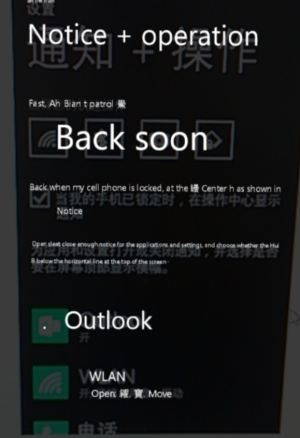
for pic no.3 and no.6, here's the translation (from up to down, left to right)
pic no.3:
SETTINGS
notification + control
select your speed dial
[icon]..
[checkbox] when my phone is locked, show my notification in control [the slide down notification place]
turn on or off for your apps to display notification, and should display type [like other phone OS, has a title to split apps things] on the top of the notification
[icon] outlook, on
[icon] WLAN, on:type, sound, vibrate
[icon] phone
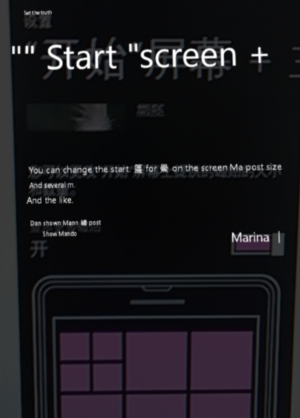
pic no.6:
start screen + theme[?, cant see it, but maybe it is theme]
you can change the available tile size and quantity on the start menu
 
transl.png
translated some important things, i dont get it, what is the sensor? is it some app like data sense?

EDIT: some typo and mistake:
second picture: below data roaming, the tiny text above selectbox is "if WLAN are limited", then the text inside select box should be "use phone network data"
third picture: should be "notification me when found nearest WLAN"
any word that has (?) beside it should be sense
 
Last edited:

Forum statistics

Threads
342,981
Messages
2,266,060
Members
428,890
Latest member
TheDonCoffee