

- Jun 21, 2012
- 251
- 0
- 0
Just switched from 1020 to 1520. To make up for lack of space I bought a 64gb microsd and have been saving music, pics, etc to it.
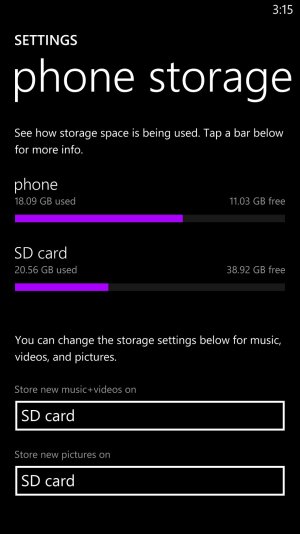
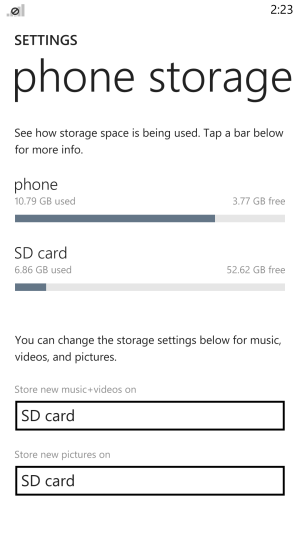
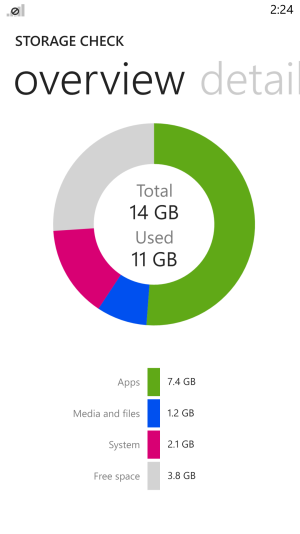
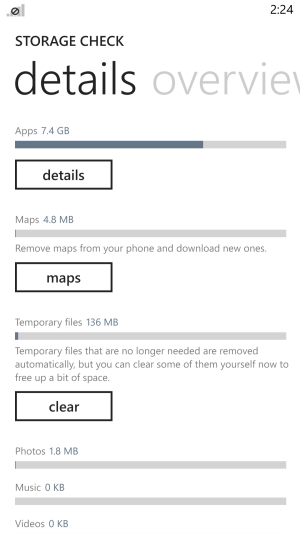
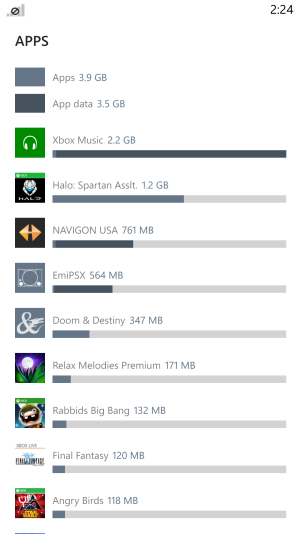
I have approx. 2gb of music so far on the card. Today I was looking at storage check and it's showing the music as taking space on the internal memory instead of the sdcard showing an incorrect amount of free memory.
I take it as an error, but will it prevent me from downloading apps as I add more music to my card? Is this a known issue?
I have approx. 2gb of music so far on the card. Today I was looking at storage check and it's showing the music as taking space on the internal memory instead of the sdcard showing an incorrect amount of free memory.
I take it as an error, but will it prevent me from downloading apps as I add more music to my card? Is this a known issue?




 Facebook
 Twitter
 Instagram