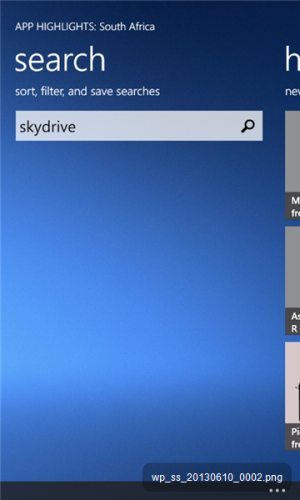
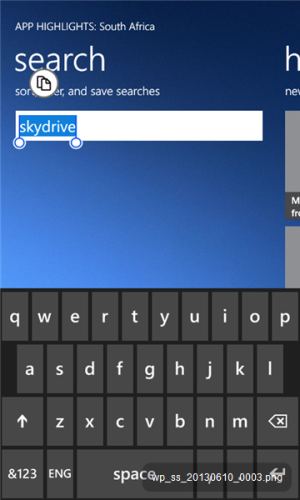
I type something in the App Highlights search box (screenshot _0002) and when I tap on the magnifying glass it wants to copy to clipboard (screenshot _0003). What am I doing wrong? Windows 8 on Lumia 620
If you tap on it once, it selects the word and asks you if you want to copy to the clipboard.
If you are holding it, it converts to a selection(cursor) where you can move between the characters . This helps you to correct any mistakes if you'd like to. Otherwise you can just single tap on the word and press (delete) button to purge the word. Cheers
@broar94: Thanks for your prompt reply. I intuitively assumed that if you tap the magnifying glass, it will start the search. This seems not to be the case - I have figured you need to tap the return key on the mini keyboard (bottom right corner as on screenshot _0003). At various stages on the Lumia the mini keyboard pops up with different ways of proceeding. This is a bit confusing.



 . This helps you to correct any mistakes if you'd like to. Otherwise you can just single tap on the word and press (delete) button to purge the word. Cheers


 Facebook
 Twitter
 Instagram