Bracketing mode - how does it work?

PureView

New member
Jan 12, 2014
137
0
0
'Takes multiple pictures at different exposure settings to let you combine them later'. This is what the mode claims. So when I set it to take 3 pictures from -0.5 to 0.5, all it does is take three pictures. How do I then 'combine them'?
 
The bracketing mode is for creating true HDR (High dynamic range) images.
It is basically under exposing and over exposing the image to create three different versions which when combined together will produce an image which has both the dark and the light areas exposed equally.

Unfortunately, Nokia did not include an app to combine the images on the phone. Most photo editing apps on the PC should allow you to combine and create the HDR images, Here's a free one : Picturenaut Overview

Important: The camera has to be really steady while taking the three pictures so that they align properly. Using tripods is highly recommended.
 
Thanks for the info! Do you know if there is an app in the store that could take those 3 shots and create one hdr photo? The app in looking for is that it would take those 3 shots made by the Nokia camera app, then combine them.
 
Last edited:
4blend HDR is nice.

+1

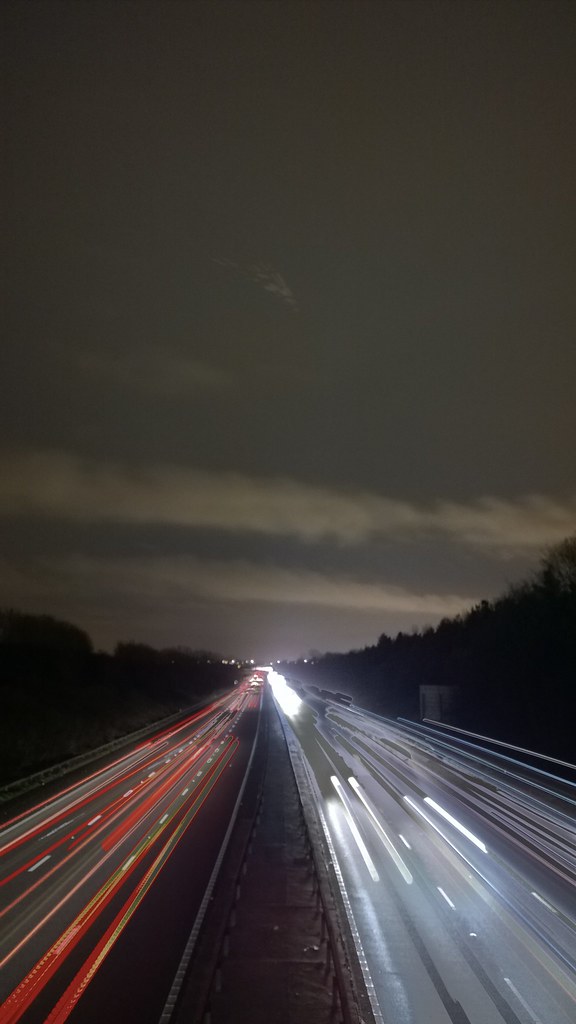
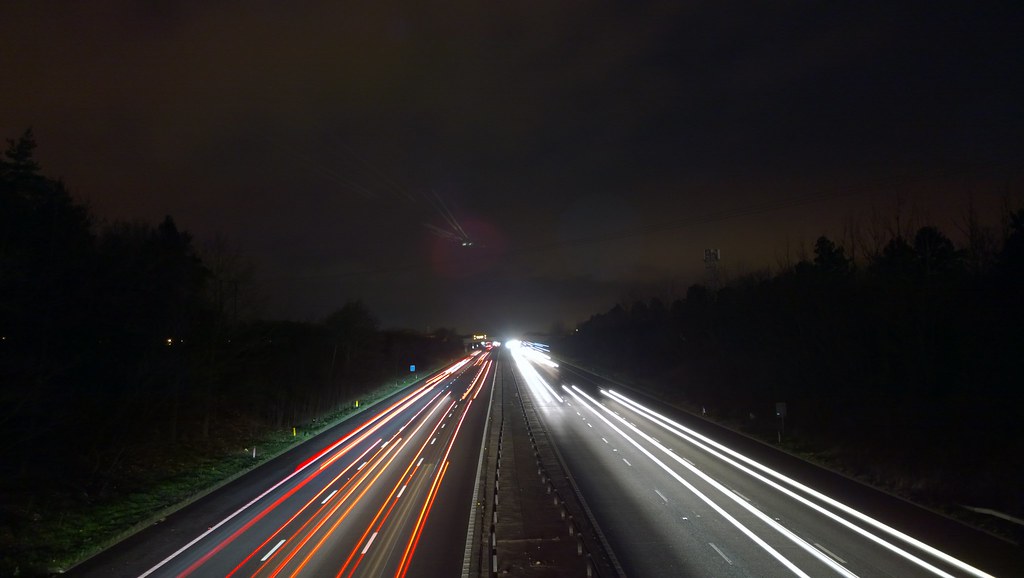
I used 4BlendHDR to make the following;

11878065904_be192567b6_b.jpg


Although, you can get very similar results by using a long exposure with Nokia Camera;

11878064904_1c5178d9a2_b.jpg


The 4BlendHDR allows you to get a higher dynamic range but you run the risk of parts being altered (look at the white lines on the road and where the headlights have been for example).
 
Besides using it to create HDR today, it can simply be used to "wild guess" the correct exposure if the photographer is unsure.
 

Members online

No members online now.

Forum statistics

Threads
341,293
Messages
2,264,360
Members
428,832
Latest member
hosseinf