Try again, you must have missed a step.
1. Install Nokia CareSuite.
2. Install Nokia Data Package Manager.
3. Copy UserGroupsConfiguration.cfg file to the three specified folders.
4. Run Care Suite.
5. Double-click Data Package Manager.
6. Choose Nokia Care Servers and click OK... it won't work without the .cfg file in the right spots.
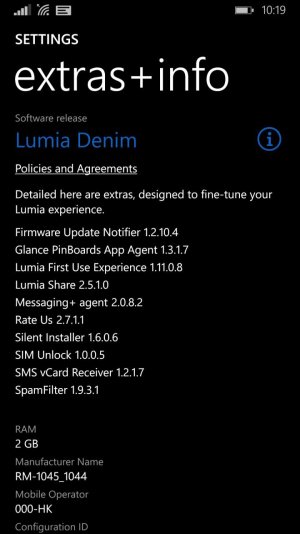
7. Enter RM-1045 for Type and 059W0X5 for code. Search, and you should see one thing listed.
8. Click the > next to Not downloaded to trigger download, and confirm Yes.
9. Close DPM.
10. Double-click on Product Support Tool.
11. Choose Work Offline and click OK.
12. Click File > Open Product.
13. Type RM-1045 and choose the Lumia 930.
14. Click Programming > Recovery.
15. Click on firmware package you downloaded.
16. Click Start. When prompted for device, power off your phone, and plug it in by USB. When it powers on, immediately click Retry.






 Facebook
 Twitter
 Instagram