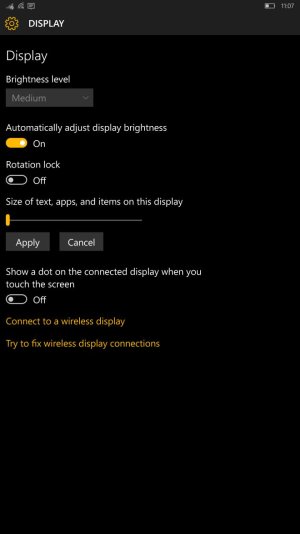
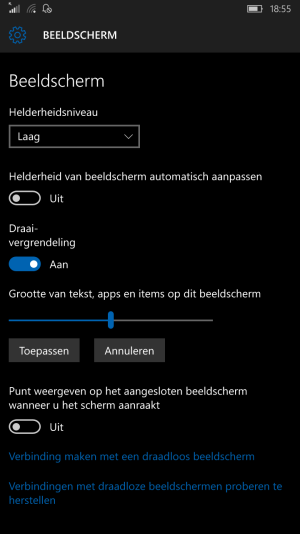
Try going into Settings - System - Display and moving the slider. Changing this will need a restart of your phone. But you should be able to find a suitable scaling size for your 640XL no problem.
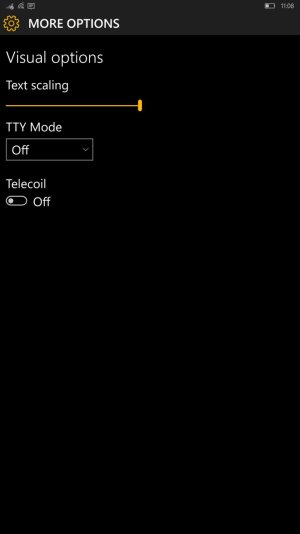
You can also change the size of only text in Settings - Ease of Access - More Options
The screen for Windows 10 preview doesn't seem to fit my screen property, they keypad interferes with my message test box when I want to send a message, also the dock is blocking most of the bottom part of the screen, making the bottom options of an app look cut off or disappeared.Does anyone know how to fix this problem





 Windows 10 Themes no longer working...
 Facebook
 Twitter
 Instagram